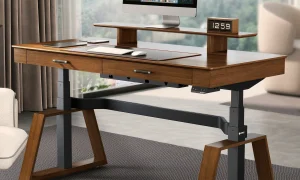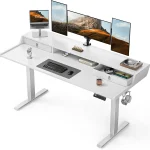


Aploda.com – A four-leg electric standing desk provides superior lateral and front-to-back stability compared to a two-leg model, making it the essential choice for users who prioritize rock-solid support for heavy equipment or high-precision tasks. While two-leg desks are space-efficient and cost-effective, four-leg systems eliminate the “wobble” often experienced at standing heights by distributing weight across a wider, more rigid frame.
The Core Difference in Structural Engineering
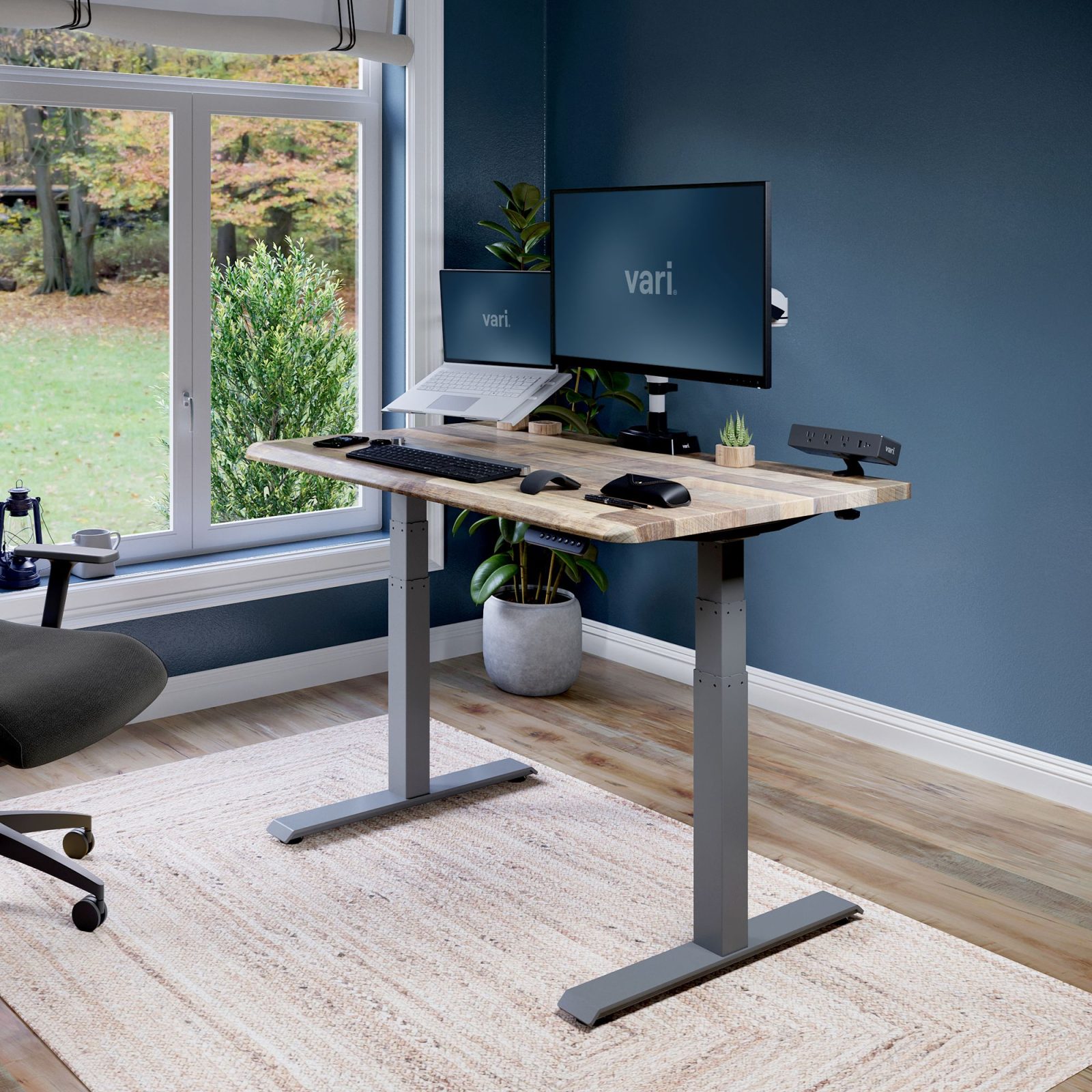
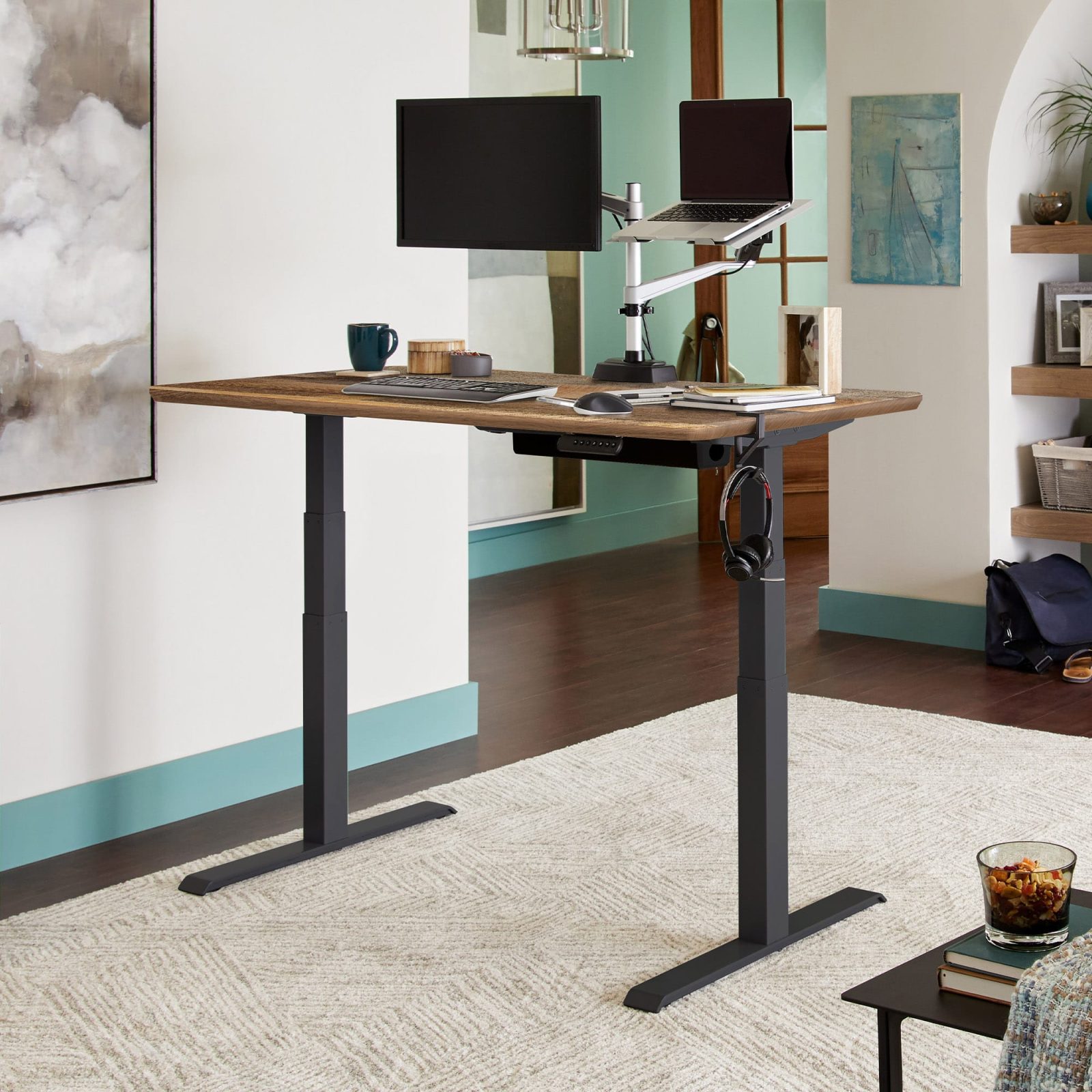
The primary distinction between these two configurations lies in the physics of support. A two-leg desk operates as a cantilever or a simple T-frame. Even with high-quality steel, the desk relies on the rigidity of the feet and the column joints to prevent swaying. As you raise the desk to your standing height, the center of gravity shifts, and the leverage applied to the legs increases, which naturally invites micro-vibrations.
A four-leg desk, by contrast, creates a box-like structure. Each corner is supported by its own independent column, which creates a closed-loop frame. This design distributes the load equally across four points of contact with the floor. Because the frame is physically braced at every corner, the torque required to induce movement is significantly higher, effectively neutralizing the wobbling sensation that plagues cheaper two-leg alternatives.
Comparing Stability and Performance
When selecting your workstation, understanding the practical trade-offs is crucial for long-term comfort. The following table outlines the key performance metrics between the two systems.
| Feature | Two-Leg Desk | Four-Leg Desk |
|---|---|---|
| Stability at Max Height | Moderate (prone to wobble) | High (rock solid) |
| Weight Capacity | Standard (150–220 lbs) | High (300–450+ lbs) |
| Footprint/Space | Compact/Minimalist | Requires more floor space |
| Assembly Complexity | Simple/Fast | Complex/Time-consuming |
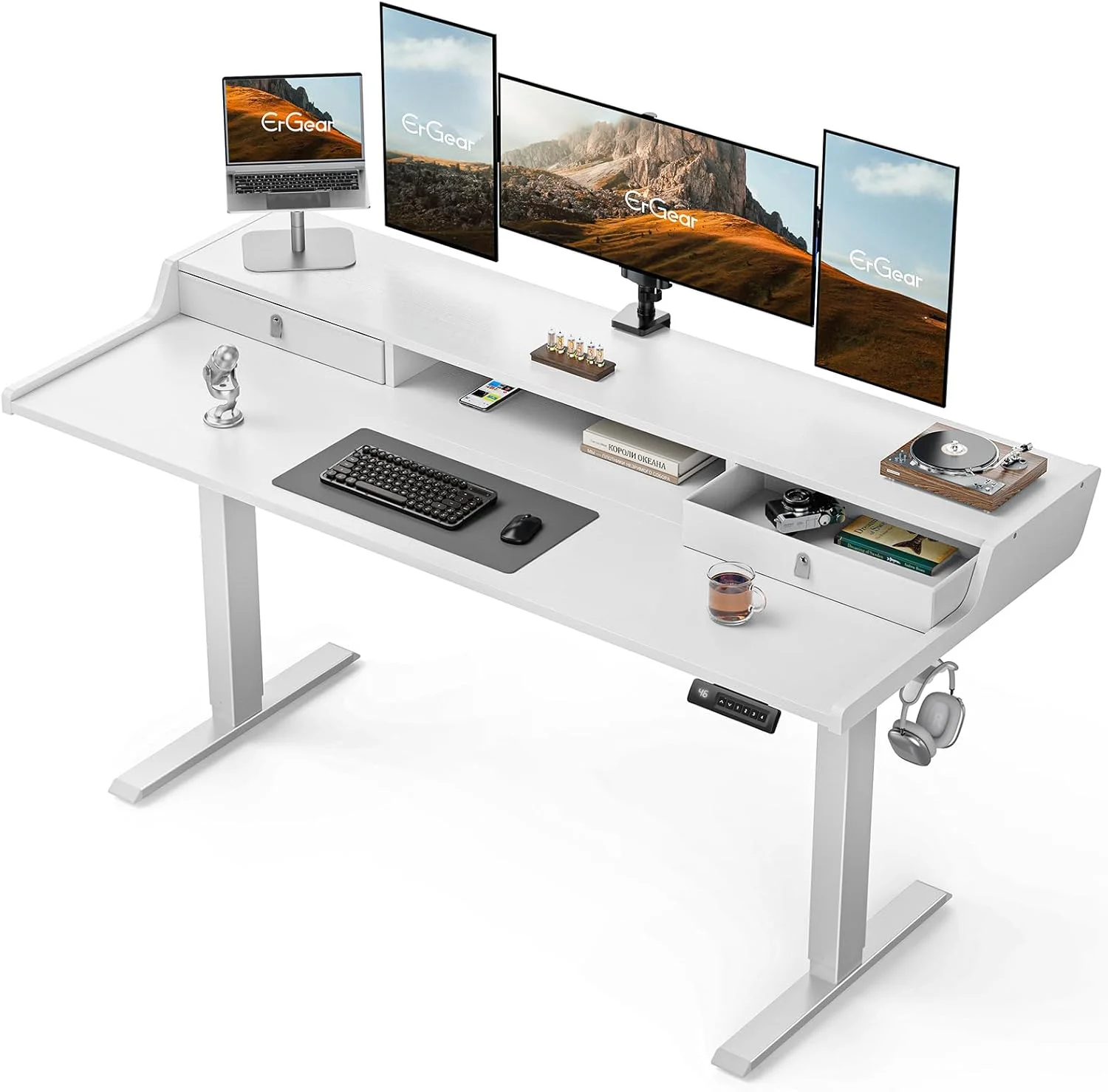
| Best For | Single monitor, light work | Multi-monitor, heavy setups |
Common Causes of Desk Instability
It is important to note that even a four-leg desk can feel unstable if assembled incorrectly. The most common cause of instability in any electric desk is uneven flooring. If the desk is placed on a slightly sloped floor or a thick carpet, the leveling glides—the small discs at the bottom of the feet—must be adjusted precisely. If one leg is even a millimeter shorter in contact than the others, the desk will pivot on that point, causing significant sway.
Another factor is the weight distribution on the desktop. Placing heavy items like a desktop PC tower or multiple heavy monitors on one side of a two-leg desk creates an uneven load. This puts asymmetrical pressure on the motors, which can lead to motor strain over time and exacerbate the wobbling effect. A four-leg desk mitigates this risk by providing a broader base that can handle eccentric loading much better than a two-leg configuration.
Steps to Ensure Maximum Stability
Whether you choose a two-leg or four-leg model, following a rigorous setup process is the only way to ensure the desk remains stable during intense typing or writing sessions.
- Assemble the frame on a perfectly flat surface, such as a hardwood or tile floor, ensuring all bolts are tightened to the manufacturer’s torque specifications.
- Place the desk in its final position and use a spirit level to check both the front-to-back and side-to-side alignment.
- Adjust the leveling glides individually until the desk sits firmly on the floor without any rocking motion when manual pressure is applied.
- If using a two-leg desk, position the monitor or heavy equipment directly in the center of the desktop to keep the weight load balanced across the lifting columns.
- Check all hardware connections every six months, as the vibrations from the electric motors can cause screws to loosen slightly over time.
The Risks of Ignoring Stability
Choosing a desk that wobbles is more than just a minor annoyance; it can be a productivity killer. When you type, your monitor will shake in sync with your keystrokes, which causes eye strain and mental fatigue. Over long periods, this subtle, constant movement can lead to headaches and a decrease in focus. Furthermore, if you are a creative professional using a drawing tablet or a precision mouse, even a tiny amount of desk movement can disrupt your workflow and accuracy.
📷 Photo by vari.com
Frequently Asked Questions
📷 Photo by vari.com
Q: Does a four-leg desk consume more electricity because it has more motors?
A: Generally, no. While four-leg desks have more lifting columns, the motors are synchronized to work together. They consume power only when actively moving, and the total power draw remains well within the limits of standard household electrical outlets.
Q: Can I upgrade a two-leg desk to a four-leg desk later?
A: Unfortunately, this is rarely possible. The frame architecture, the control box, and the synchronization cables are specifically designed for the number of legs included in the kit. If stability is a concern, it is better to invest in a four-leg model from the start.
Q: Is a four-leg desk always better than a two-leg desk?
A: Not necessarily. If you have a very small office space or a minimalist setup with only a laptop and one monitor, a high-quality two-leg desk is often more than sufficient and provides a cleaner aesthetic. The four-leg desk is primarily a solution for those who require high weight capacities or are particularly sensitive to desk movement.
Final Considerations for Your Workspace
When you are ready to make your purchase, look beyond the number of legs. Check the thickness of the steel columns and the quality of the crossbars. A two-leg desk with heavy-duty, thick-gauge steel legs can sometimes outperform a flimsy four-leg desk made of thin, stamped metal. Always prioritize the build quality and the reputation of the motor manufacturer. By evaluating your specific equipment needs—whether you are supporting a multi-monitor array or just a simple writing surface—you can choose the configuration that provides the stability required to keep your work steady and your focus sharp.
📷 Photo by walmart.com