



Aploda.com – The forward tilt feature on an ergonomic office chair is highly beneficial for typing because it promotes an upright, neutral spine posture that reduces pressure on the lower back and prevents the common tendency to slouch while focusing on a keyboard.
Many office workers suffer from chronic discomfort, not because their chairs are low quality, but because they are sitting in a static, slightly reclined position for too long. The forward tilt function—often found on high-end ergonomic chairs—allows the seat pan to angle downward, usually between 5 to 10 degrees. This subtle shift mimics the natural curvature of the pelvis, shifting the weight from your lumbar spine to your thighs and feet.
Why Forward Tilt Matters for Typists
When you type, your natural instinct is to lean forward to get closer to the screen or the keys. If your chair is locked in a flat position, this forward movement causes your pelvis to roll backward, flattening your lumbar curve. This is known as posterior pelvic tilt, and it is the primary culprit behind lower back pain in office settings.
By engaging the forward tilt, you maintain an open hip angle. This position keeps the spine in its natural “S” shape, which is the gold standard for long-term comfort. When your hips are positioned slightly higher than your knees, your core muscles engage more naturally, providing the stability you need to type for hours without feeling the need to hunch over your desk.
The Ergonomic Benefits of Dynamic Sitting
The true value of a forward-tilting chair is not just in the tilt itself, but in the concept of dynamic sitting. Humans were not designed to remain in a single, rigid position for eight hours a day. An ergonomic chair with a tilt mechanism encourages you to adjust your posture throughout the day.
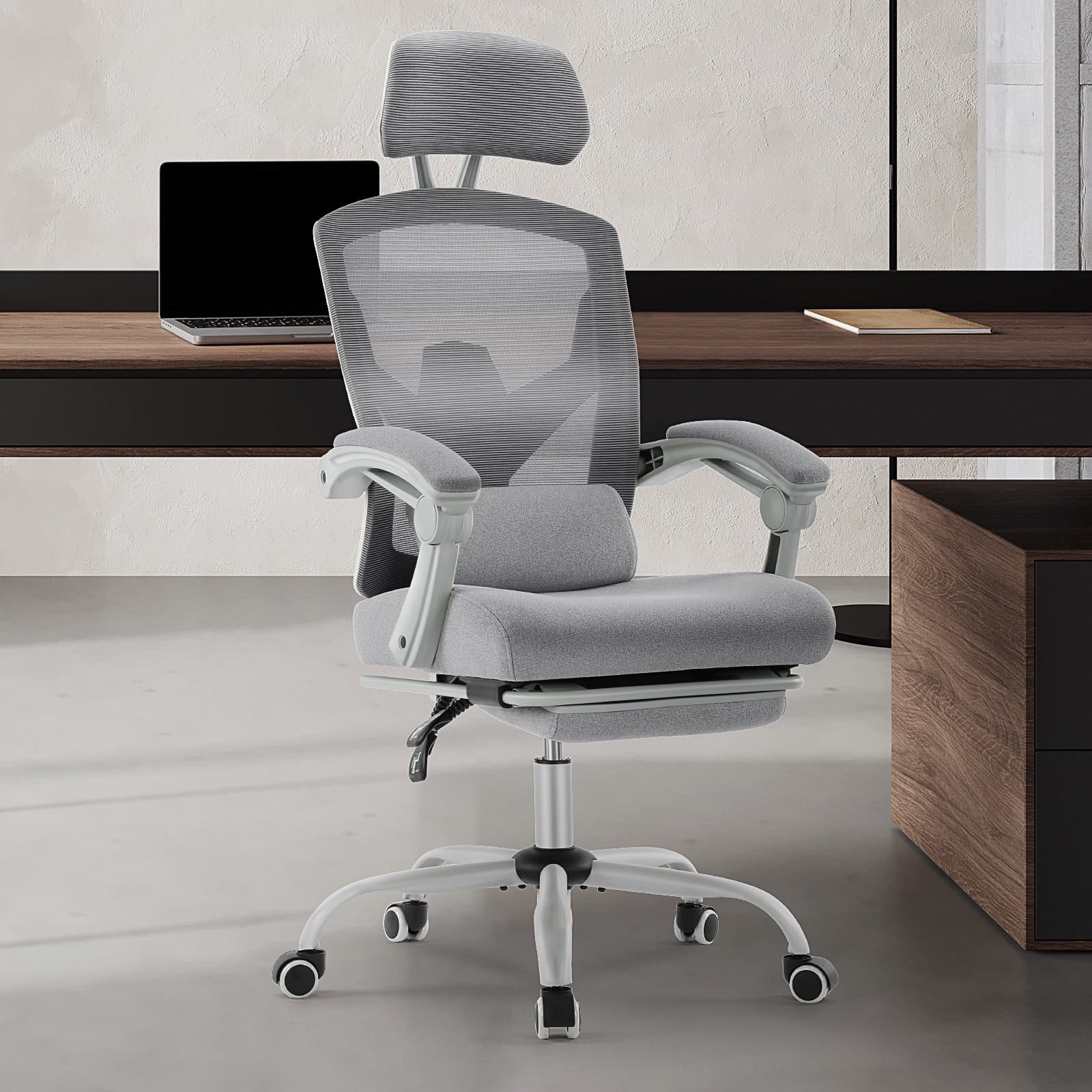
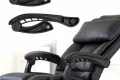
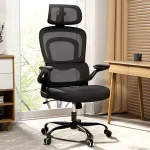
📷 Photo by walmart.com
When you are typing a long document or responding to emails, you can engage the forward tilt to stay alert and upright. When you transition to a phone call or a reading task, you can release the tilt to lean back and relax your muscles. This variation is key to preventing repetitive strain injuries (RSIs) and muscle fatigue.
Comparison of Seating Positions
| Posture Type | Spine Alignment | Best Use Case | Impact on Back |
|---|---|---|---|
| Standard Flat | Neutral, but prone to slouching | Casual sitting, meetings | Moderate stress over time |
| Forward Tilt | Maintains lumbar curve | Intensive typing, desk work | Low stress, active support |
| Reclined | Increased lumbar pressure | Reading, phone calls | High stress if held too long |
How to Properly Adjust Your Forward Tilt
Simply having a chair with this feature is not enough; you must know how to calibrate it to your body to avoid sliding off the seat. Most people make the mistake of setting the tilt too aggressively, which creates friction and discomfort.
- Start by sitting all the way back in your chair so your lower back is supported by the lumbar cushion.
- Adjust your seat height so your feet are flat on the floor and your knees are at a 90-degree angle.
- Locate the forward tilt lever or knob—this is usually separate from the height adjustment lever.
- Activate the tilt slowly, stopping once you feel your pelvis rotate forward but before you feel like you are sliding off the seat.
- Check your desk height; when using a forward tilt, you may need to raise your desk or chair slightly to maintain an optimal typing angle for your wrists.
Common Mistakes and Risks
The most common mistake users make is “setting and forgetting.” If you keep the chair in a forward tilt position all day, you may eventually experience fatigue in your hip flexors. Remember, the goal is movement. If you feel tension in your hips or thighs, return the chair to a neutral position for a few minutes.
Another risk involves desk height. If your desk is too low, the forward tilt will force you to reach downward to type, which can actually cause shoulder and neck strain. Always ensure that your elbows are at or slightly above the level of your keyboard when the chair is tilted.
Is It Worth the Investment?
If you spend more than four hours a day at a computer, a chair with a forward tilt feature is a significant quality-of-life upgrade. It is particularly effective for people who suffer from chronic lower back pain or those who have been diagnosed with disc issues. While these chairs are often more expensive, the prevention of long-term spinal issues makes the cost well worth it.
However, if you are a casual user who spends most of the day in meetings or away from your desk, the feature may not be necessary. Focus instead on finding a chair with high-quality lumbar support and adjustable armrests, as these are more critical for general comfort.
FAQ
Q: Will I slide off my chair if I use the forward tilt feature?
A: If your chair is adjusted correctly and you use a high-quality fabric or leather, you should not slide. If you feel like you are slipping, reduce the tilt angle or ensure your feet are firmly planted on the floor or a footrest.
Q: Can I use forward tilt for gaming?
A: Yes, many gamers find that a slight forward tilt helps them stay engaged and reactive during fast-paced sessions, though it is best to alternate between a tilted position and a relaxed upright position to avoid muscle fatigue.
Q: Does forward tilt replace the need for a standing desk?
A: No, it is a supplement to, not a replacement for, a standing desk. The best ergonomic strategy is to combine a forward-tilting chair with a sit-stand desk, allowing you to alternate between three distinct positions: sitting upright, sitting tilted, and standing.
Ultimately, the forward tilt is a tool for better posture. By keeping your pelvis in a neutral orientation, you minimize the structural collapse that happens when we get tired and begin to slouch. If you are serious about your comfort while typing, this feature is one of the most effective ways to protect your spine over the long term.
Read also: C-Leg vs T-Leg Frame Design in Electric Standing Desks
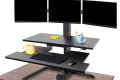
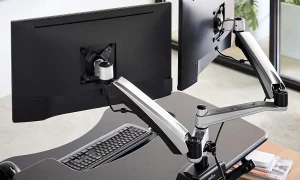
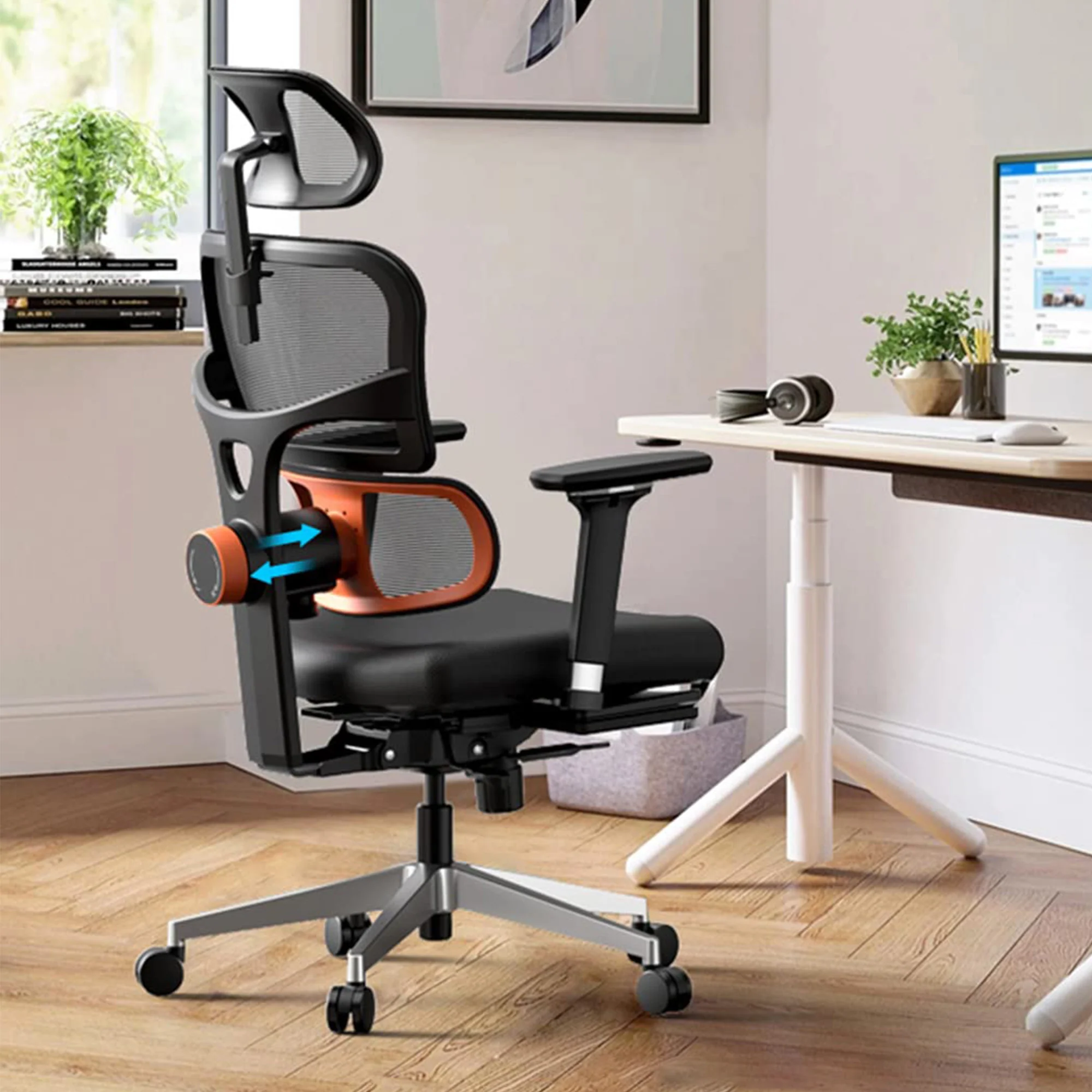
📷 Photo by eurekaergonomic.com