

Aploda.com – The ideal standing desk height for typing is one that keeps your elbows at a 90 to 100-degree angle, with your forearms parallel to the floor and your wrists in a neutral, straight position to prevent shoulder strain.
Achieving the perfect ergonomic setup is not just about standing up; it is about standing correctly. Many people transition to standing desks to alleviate back pain, yet they often end up with shoulder tension because their desk surface is either too high or too low. When your desk is too high, you naturally hike your shoulders toward your ears to reach the keyboard. When it is too low, you hunch forward, placing excessive strain on your upper trapezius muscles.
Understanding the Ergonomic “Sweet Spot”
The primary goal of a standing desk is to mimic the natural, relaxed posture you would have when sitting in an ergonomic chair. Your shoulders should remain relaxed and dropped, not elevated. If you feel any tension in your neck or the top of your shoulders after twenty minutes of standing, your desk height is likely the culprit. Proper alignment ensures that the weight of your arms is supported by your skeletal structure rather than your neck and shoulder muscles.
To find your specific height, stand with your feet shoulder-width apart and your core slightly engaged. Let your arms hang loosely at your sides, then bend your elbows to roughly 90 degrees. Your hands should be hovering just above the desk surface. If you have to reach up to type, your desk is too high. If you have to lean down, it is too low.
Calculating Your Ideal Height
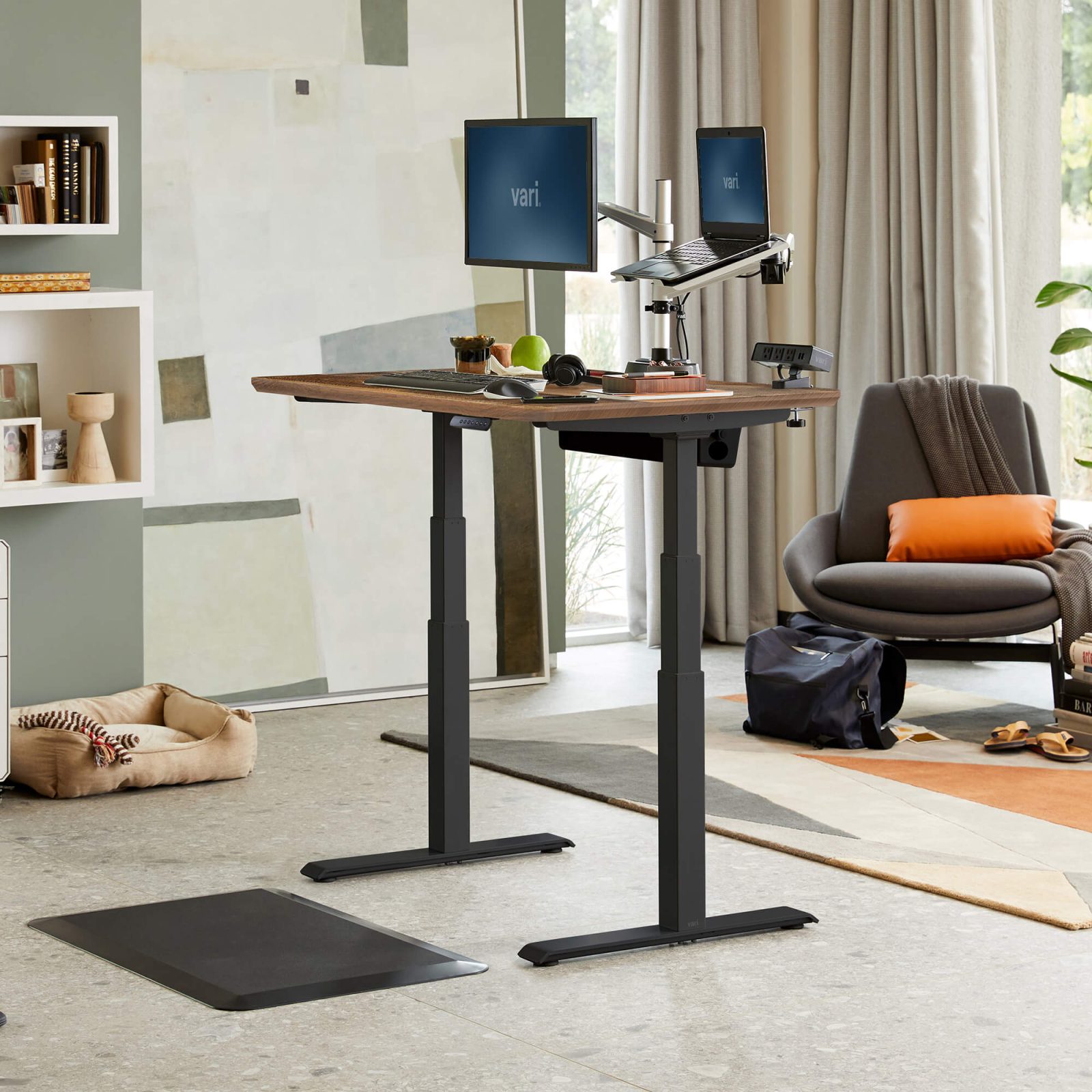
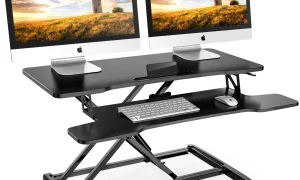
📷 Photo by storage.googleapis.com
While everyone has different body proportions, you can use a general guideline based on your height to get started. Most adjustable desks have a range that accommodates the majority of the population. Use the following table as a starting point for your calibration.
| Your Height (Feet/Inches) | Estimated Desk Height (Inches) | Estimated Desk Height (Centimeters) |
|---|---|---|
| 5’0″ – 5’2″ | 35″ – 37″ | 89 – 94 cm |
| 5’3″ – 5’6″ | 37″ – 39″ | 94 – 99 cm |
| 5’7″ – 5’10” | 39″ – 41″ | 99 – 104 cm |
| 5’11” – 6’2″ | 41″ – 43″ | 104 – 109 cm |
| 6’3″ – 6’6″ | 43″ – 45″ | 109 – 114 cm |
Step-by-Step Calibration Guide
Follow these steps to fine-tune your workstation for maximum comfort and minimum shoulder fatigue:
- Wear your standard office shoes. If you stand barefoot, your height measurements will change, and you will be misaligned once you put on footwear.
- Adjust your monitor height first. The top third of your screen should be at eye level. If your monitor is too low, you will naturally hunch, which ruins your shoulder posture regardless of your desk height.
- Set your desk height so the keyboard tray or desk surface is at the same level as your elbows.
- Ensure your keyboard and mouse are close to each other. Reaching too far to the side for your mouse is a major cause of asymmetrical shoulder strain.
- Use a keyboard tray if your desk does not go low enough. Many standard standing desks have a minimum height that is still too high for shorter individuals. A downward-tilting keyboard tray can help you achieve the correct neutral wrist angle.
- Check your posture every hour. If you find your shoulders creeping up, take a deep breath, roll your shoulders back, and reset your stance.
Common Mistakes and Risks
One of the most frequent mistakes is static standing. Even if your height is perfectly calibrated, standing perfectly still for four hours will cause muscle fatigue. Your body is designed to move. Incorporate micro-movements, such as shifting your weight from foot to foot or using an anti-fatigue mat to encourage subtle leg muscle engagement. This keeps your circulation flowing and prevents you from locking your joints, which can lead to lower back pain that eventually radiates upward to the shoulders.
Another common error is the “t-rex arm” position. This happens when the desk is slightly too high, forcing you to keep your elbows flared out away from your body. This position puts significant strain on the rotator cuff. Keep your elbows tucked in comfortably near your ribcage to maintain stability.
The Role of Equipment
If you are using a laptop, you absolutely must use an external keyboard and mouse. Typing directly on a laptop while standing is an ergonomic disaster; the screen is too low, and the keyboard is attached to it, forcing you to choose between neck strain or shoulder strain. An external setup allows you to position the screen at eye level and the keyboard at elbow level independently.
FAQ
Q: Should I lock my knees while standing at my desk?
A: No, never lock your knees. Keep them slightly bent to encourage blood flow and reduce the stress on your lower back and hips, which helps maintain a relaxed upper body posture.
Q: How often should I switch between sitting and standing?
A: Aim for a 30-minute interval. Spend 30 minutes standing, then 30 minutes sitting. This balance prevents the fatigue associated with prolonged standing while still reaping the benefits of increased movement.
Q: Does the tilt of the keyboard matter?
A: Yes. A keyboard that tilts away from you (a negative tilt) is often better for your wrists, as it helps keep your hands in a neutral position, further reducing the tension that travels up to your shoulders.
Ultimately, listening to your body is the most important part of the process. If you feel tightness at the end of the day, do not ignore it. Adjust your desk height by half an inch at a time until you find the setting that allows you to work for hours without feeling the “burn” in your traps or neck. Ergonomics is a process of refinement, not a one-time setup.
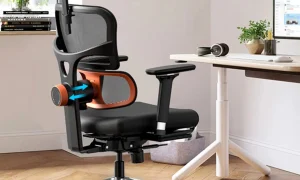
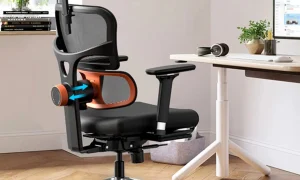
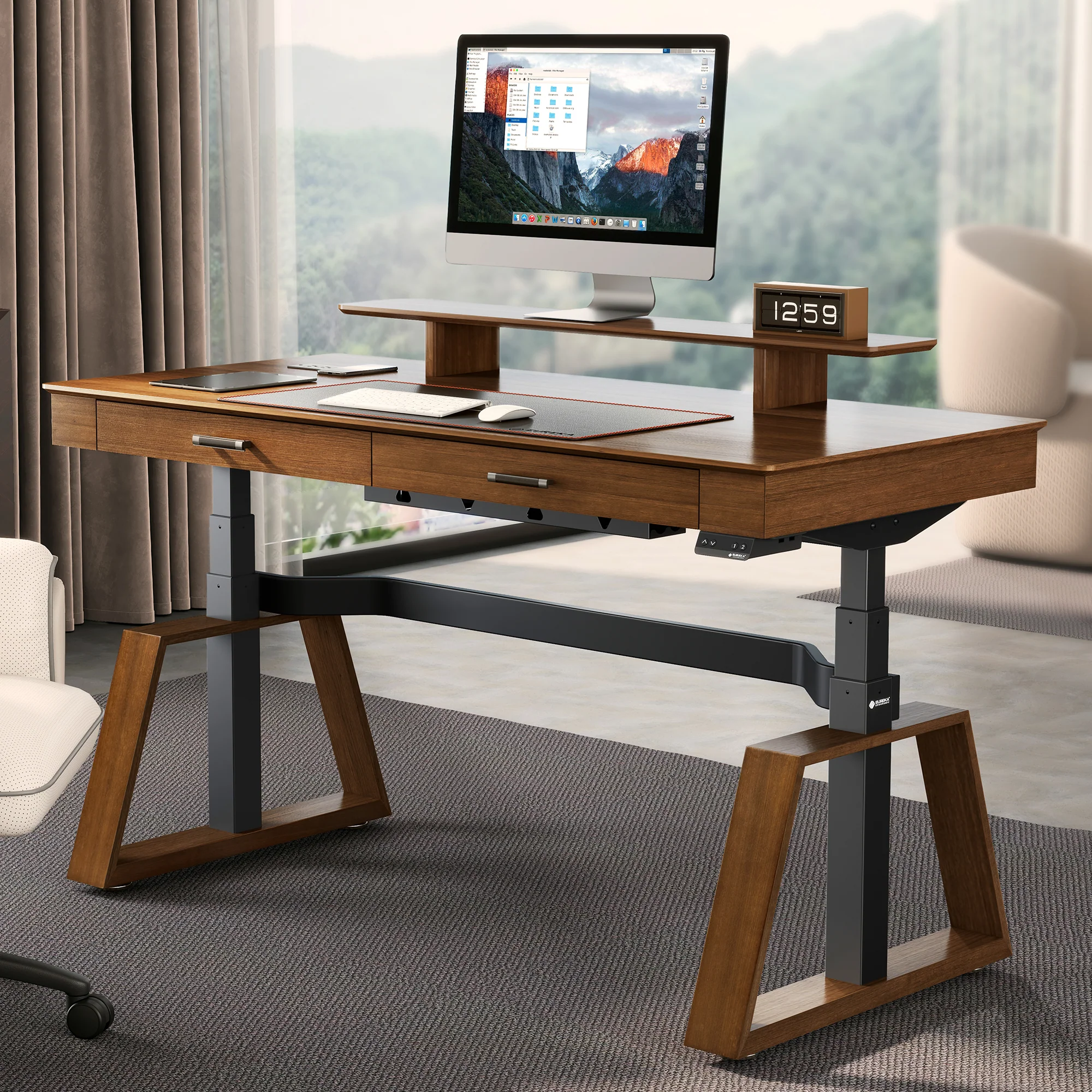
📷 Photo by eurekaergonomic.com